How to extract zip files Easily on Web Server
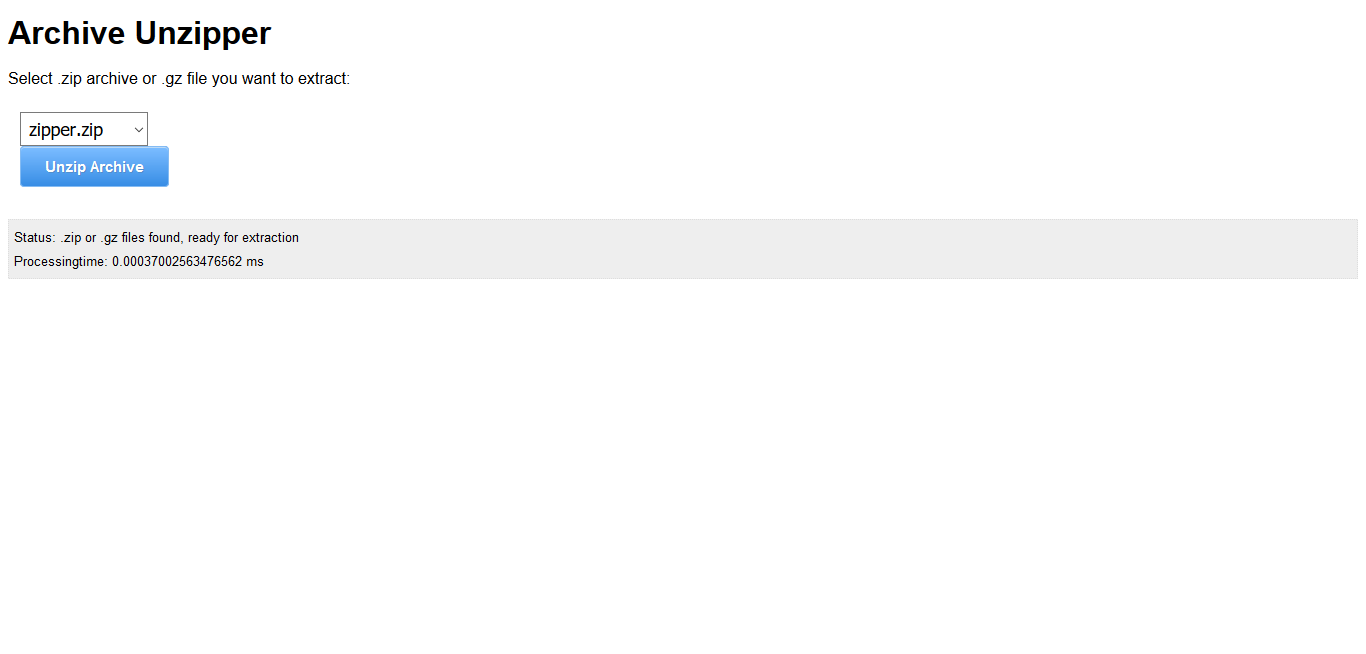
- This script is very easy to use, Just upload the unzipper.php to your server (specifically inside the folder where you have the zip file to extract). Now, go to your browser and open the location of the unzipper.php file.
- You’ll see a select input box which contains a list of zipped files in the folder. You can select any file and click on unzip the archive.
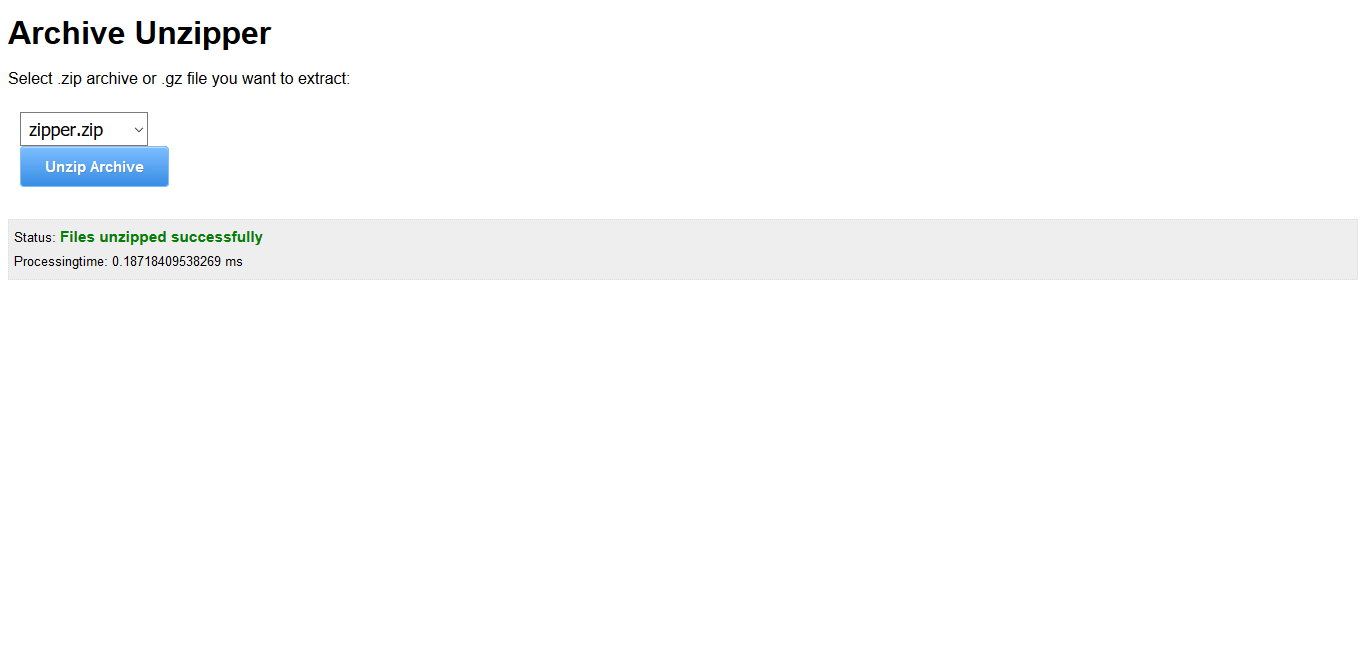
- It will start working right away and display success message upon completion.
- Thats all you need to do…
- After it completes extraction, you’ll see a new folder in the folder where you had the zip file with the name of the zip file. That’s the extracted folder!
Create Zip file with content of current Directory with php – ZipCF
- Simply click here to get the script
- Upload zipCF.php on the directory which you want to make zip file
- Open zipCF.php with your browser
- Provide a Name for the zip file
- Click on Create Zip file
- It will create the zip file if everything is ok and provide a success message just below the submit button
- If you see the success message, go to ftp client or browse direct url to zip file from your browser
- Download the newly created zip file
- Use it anyhow you need
- Delete zipCF.php file from your server to avoid security issues