What is ESXi Server?
It is Bare-metal Type 1 Hypervisor which is used to deploy the servers, operating system, firewall directly on the Hardware.
ESXi is a Kernel in that user can deploy many VM.
What is Virtual Machine (VM)?
Virtual Machine is an Operating System it is installed in a another software but uses same Hardware to run.
The end user has the same experience on a virtual machine like a physical one.
How to Create VM in ESXi Server?
For creation of VM in ESXi server the requirements are Servers like DELL ,IBM server machine ,vSphere client .By that VSphere user can login to the Bare-metal hypervisor.
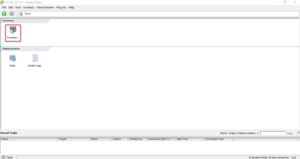
We need to login to the vSphere for creating a new VM in the ESXi Server. Ignore the certification verification. 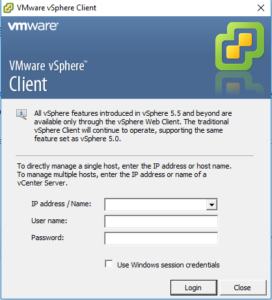 After the successful login you got the screen of inventory details
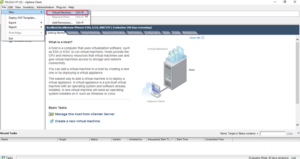
 Then go file menu –> new–> virtual machine.(OR) click ctrl-N to create new VM
 Select the custom mode for creating new VM
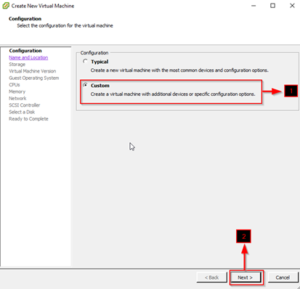
Custom Mode: It will have all the advanced features for creation such as allocating Hard disk size and others. Typical mode will have everything by default, which is not recommended.
Name the VM (here RHEL is installed)
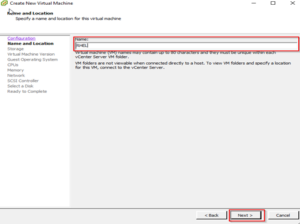
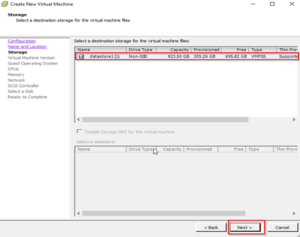
Select the appropriate Datastore for installation.
The folder will be created in the name of server in datastore itself. It will have its vmdk(Virtual Machine Disk).