
Procedure for configuring auto proxy settings via Group Policy in Windows Server 2012 R2:
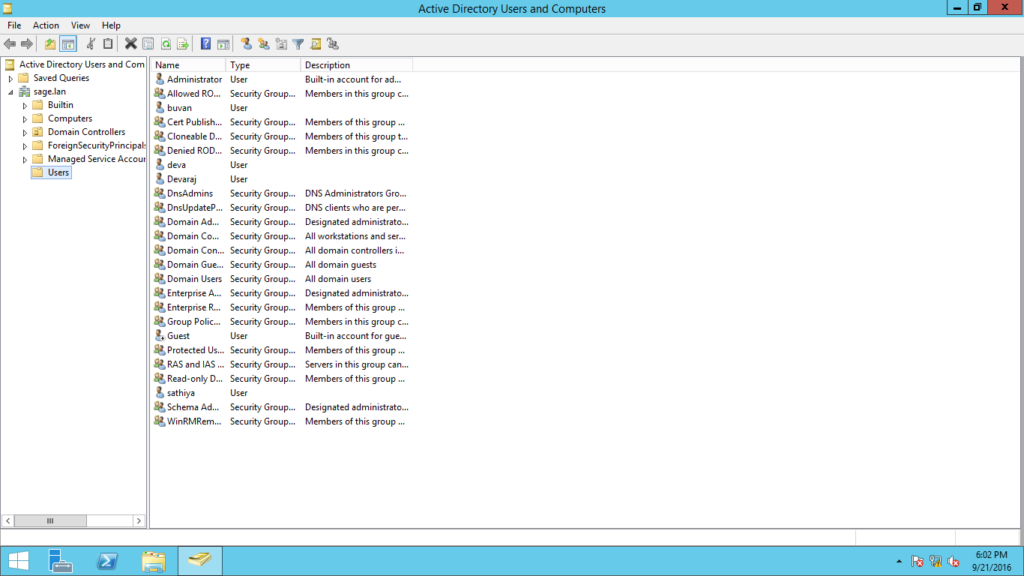
- Prepare- Domain controller Install Active directory domain services with DNS server. Restart the destination server. Promote the domain controller and configure the new forest.
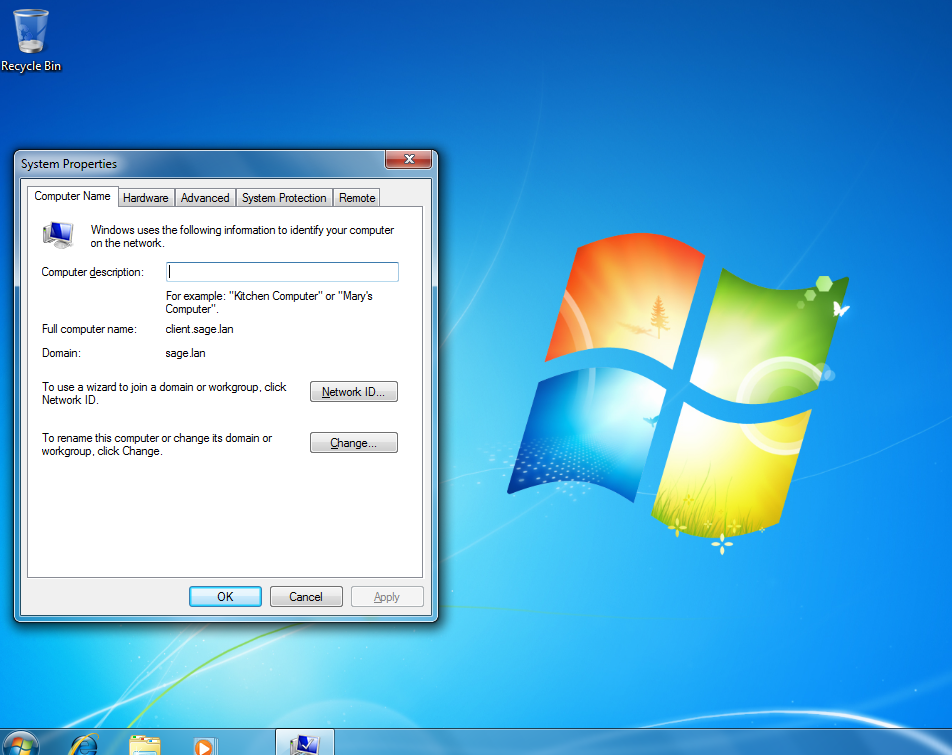
- Prepare and add one client machine to member off domain.
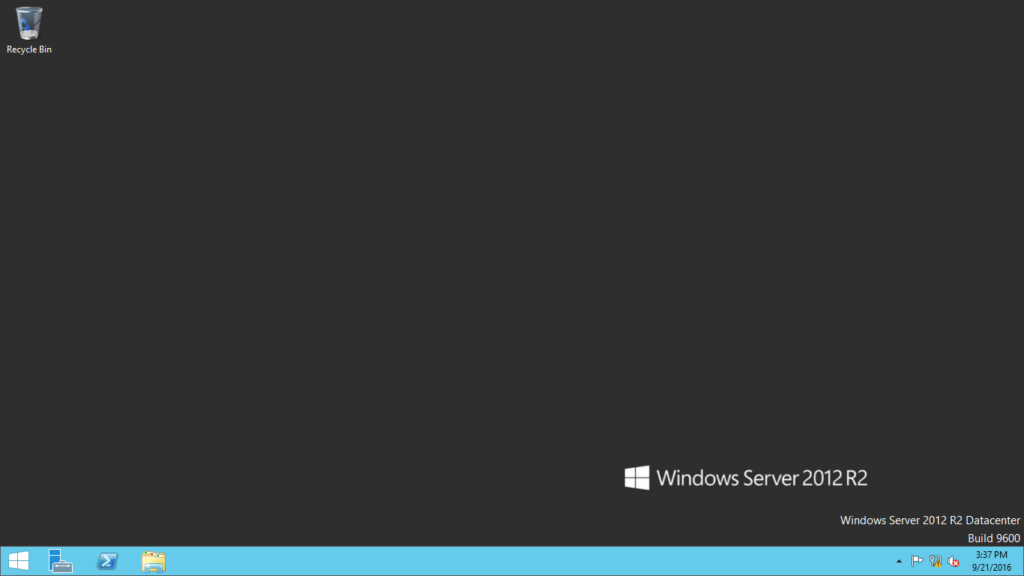
- Go to domain controller and set a proxy via GPO.
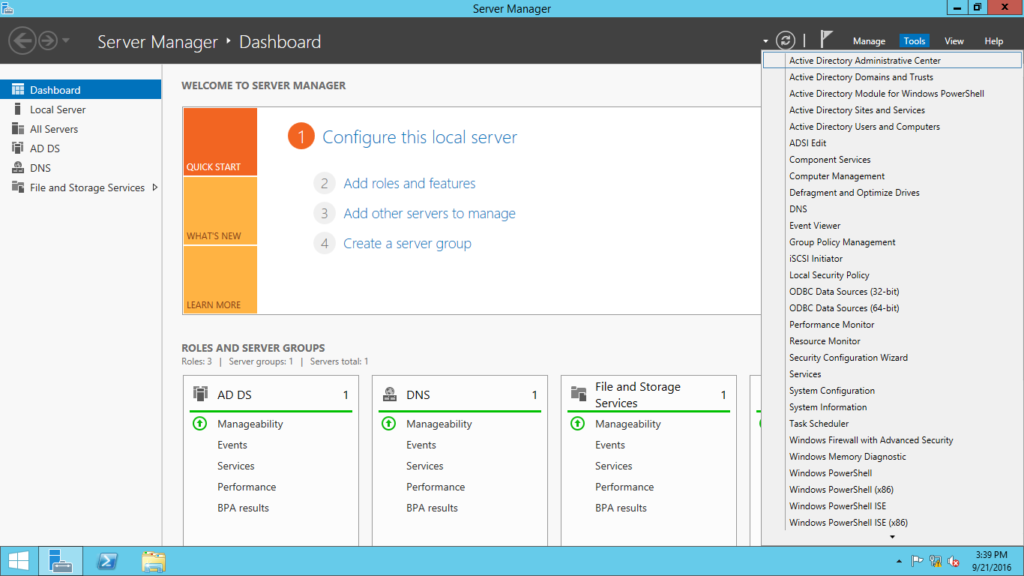
- Open Server manager –> Tools –> Group Policy Management.
- In that open Group Policy management console
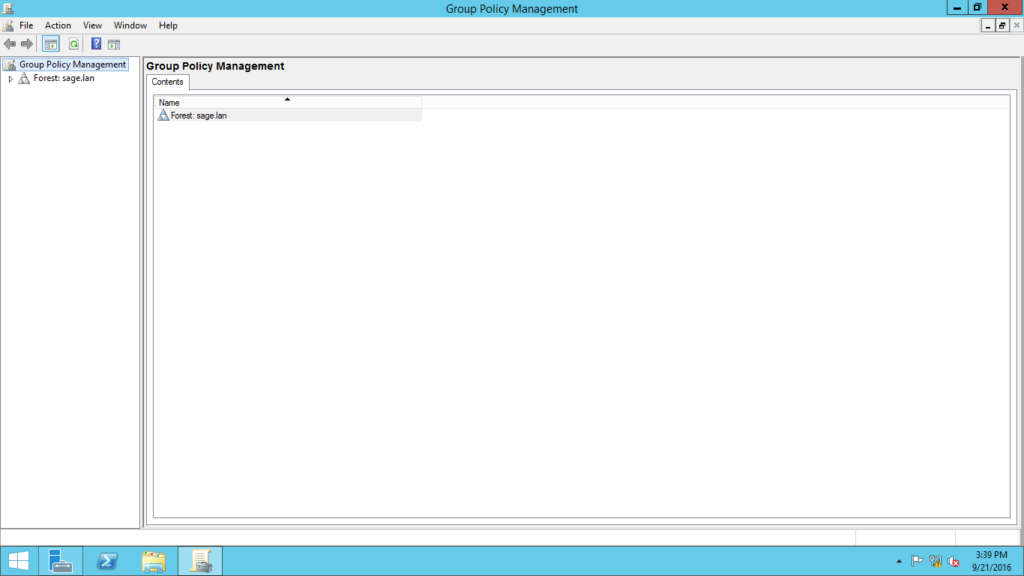
- Open Group policy Object on the Domain.
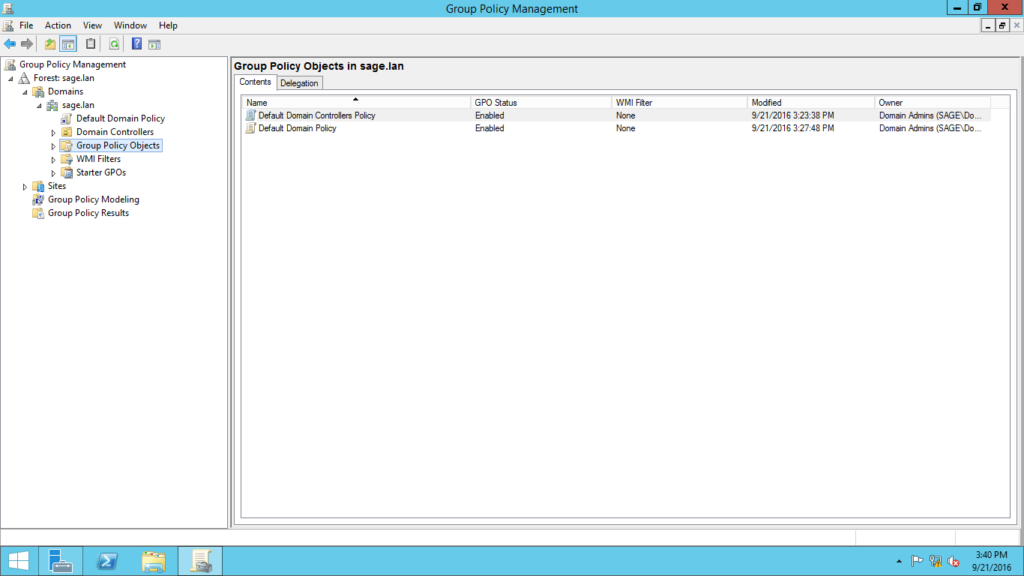
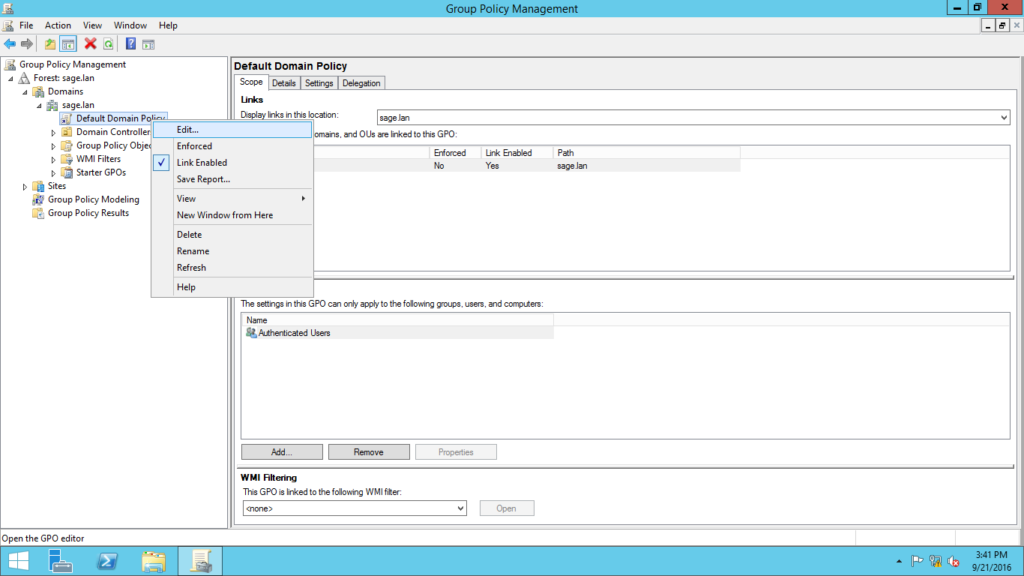
- Right Click the “Default Domain policy” and Click edit.
- A new tab was opened in that click User configuration –> Preferences.
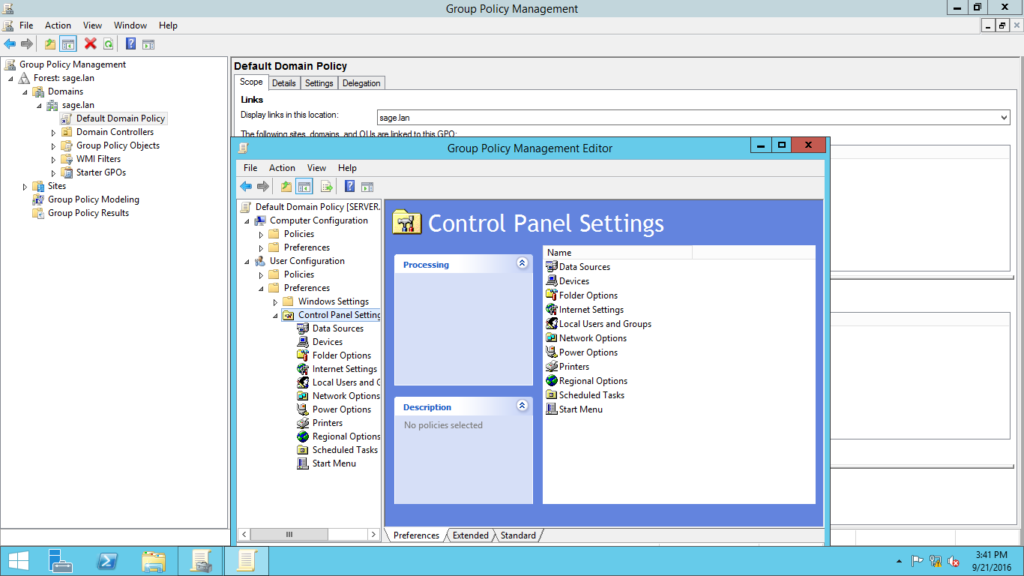
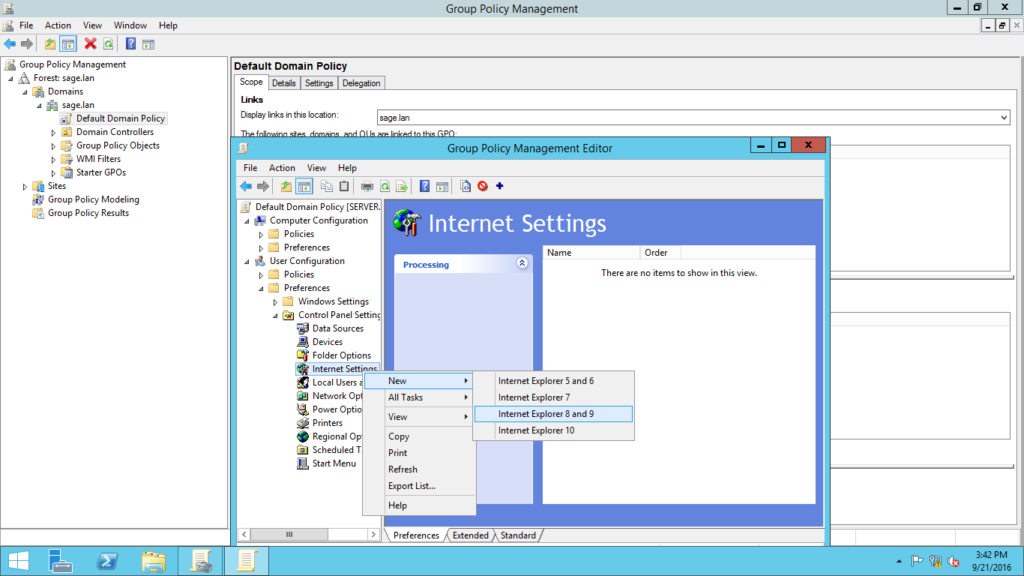
- In User Configuration–>Preferences–>Control Panel settings–>Right-click Internet Settings–>New–>Internet Explorer 8 and 9.
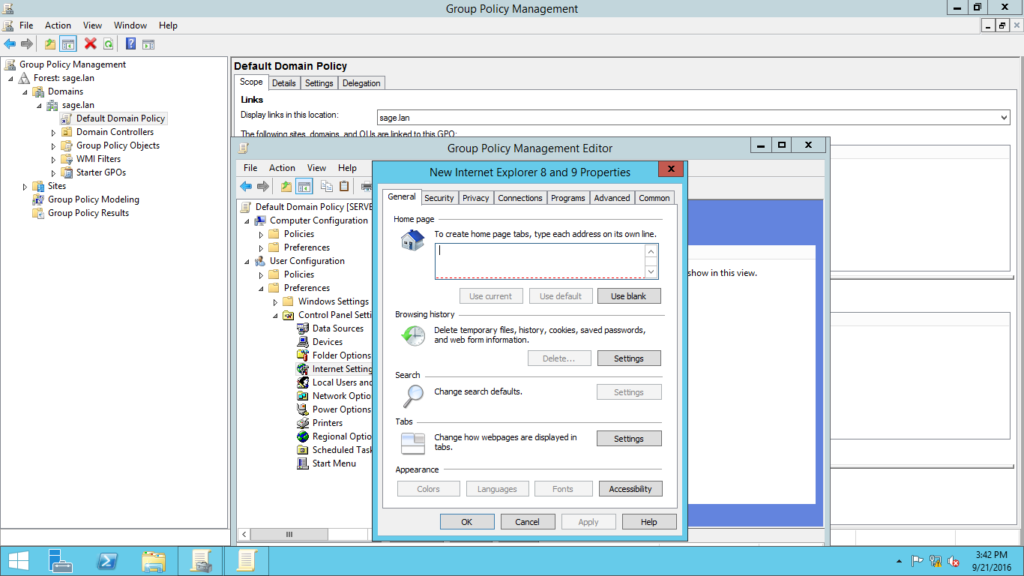
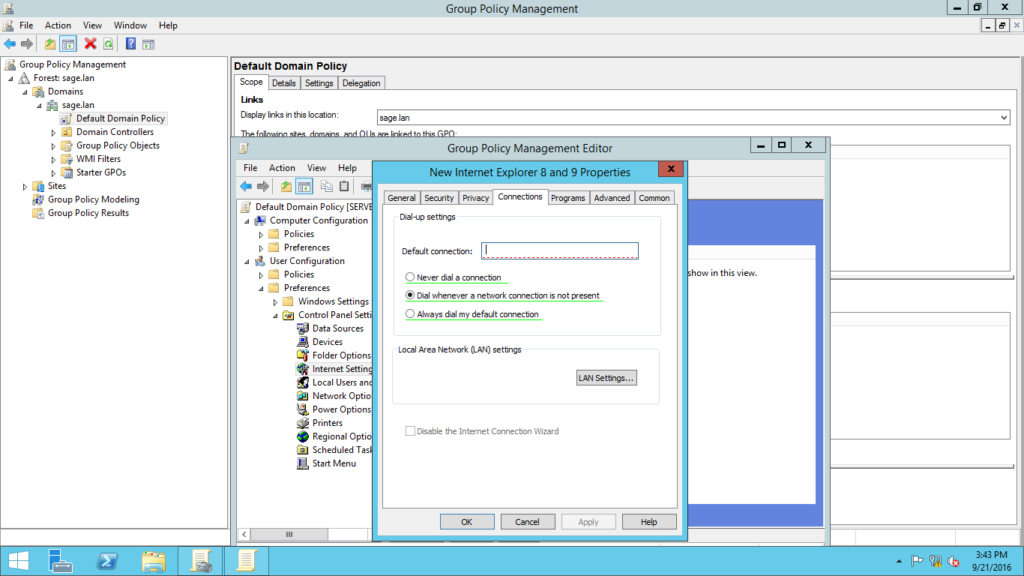
- Properties of Internet explorer will open in that click Connections –>LAN settings.
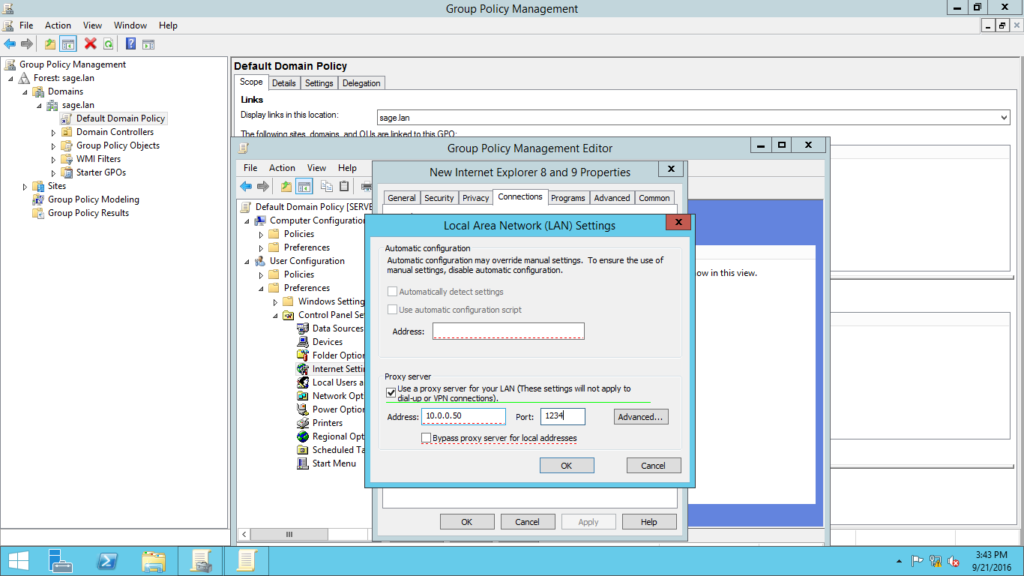
- A new will open and Enter the Proxy server address and Port Number.
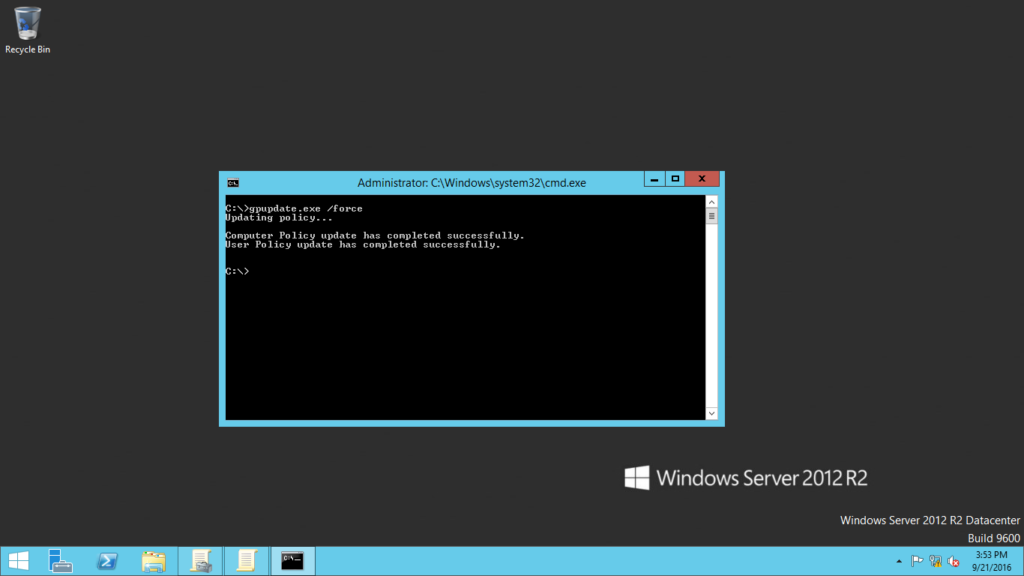
- In Command Prompt enter the command gpupdate /force
Conclusion
Hence I included the procedure and process to be followed up while implementing the auto group policy via group policy management.