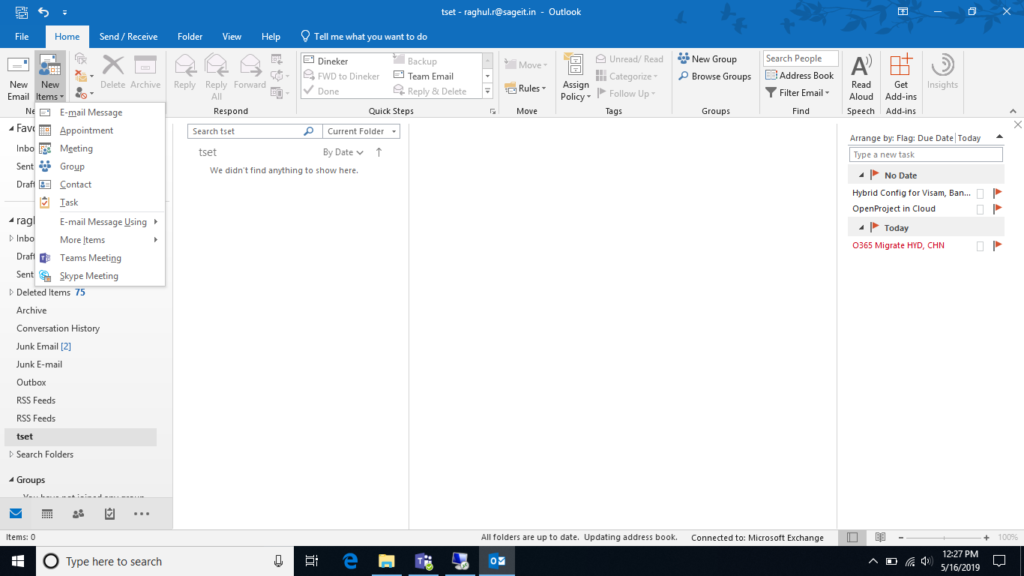
Skype for Business Addon in Outlook Desktop Client
The Below Blog will show how to enable Skype for Business Option in Outlook Desktop Client.
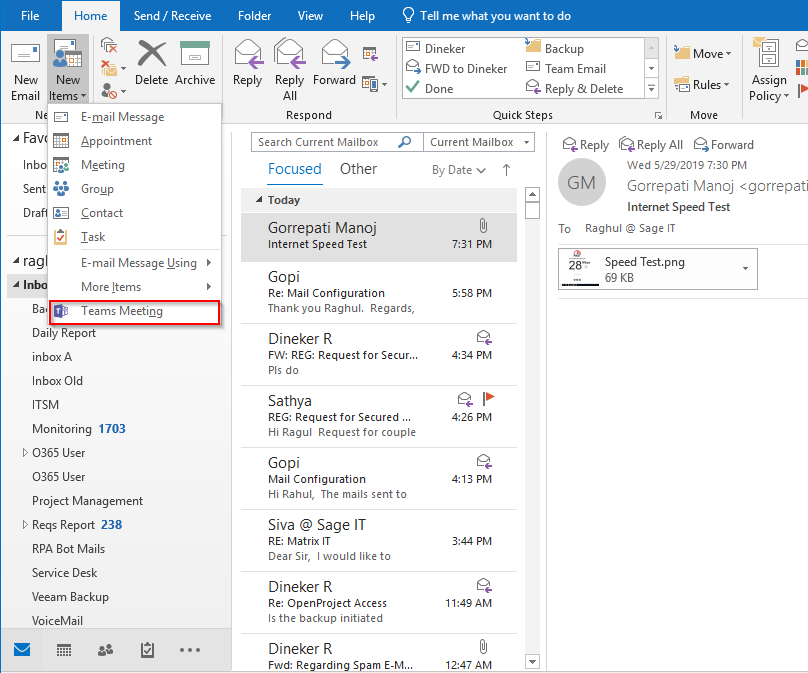
Open Outlook Desktop Client select the New Items in Drop down you will find Skype Meeting below Team meeting, If you not able to see then follow the Below Procedure.
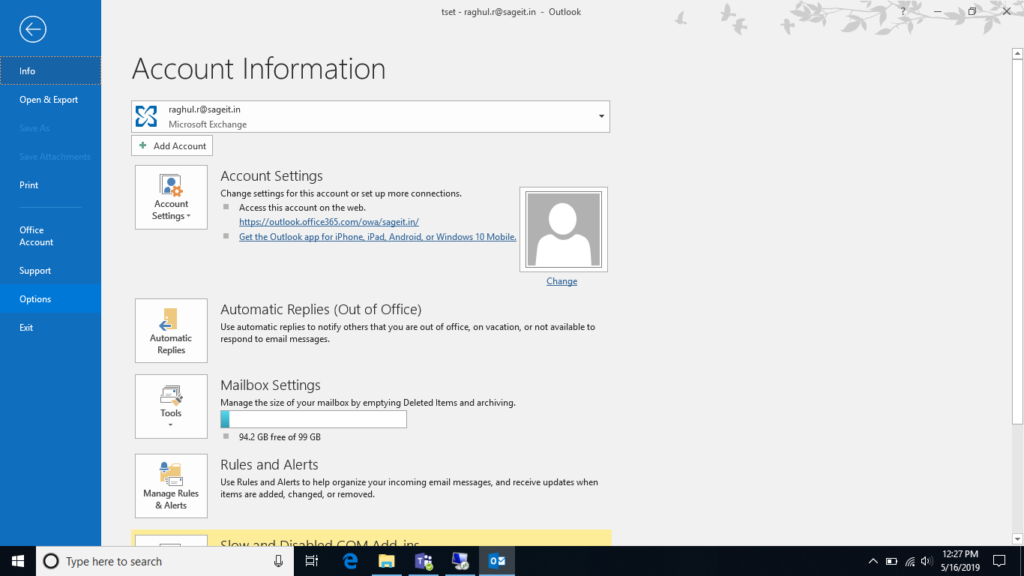
STEP 1: Open Outlook Application, select File and then you see Options, After selecting Option you will get a Outlook Option Window
STEP 2: Select Add-ins and Click the GO in Manage COM ADDINS
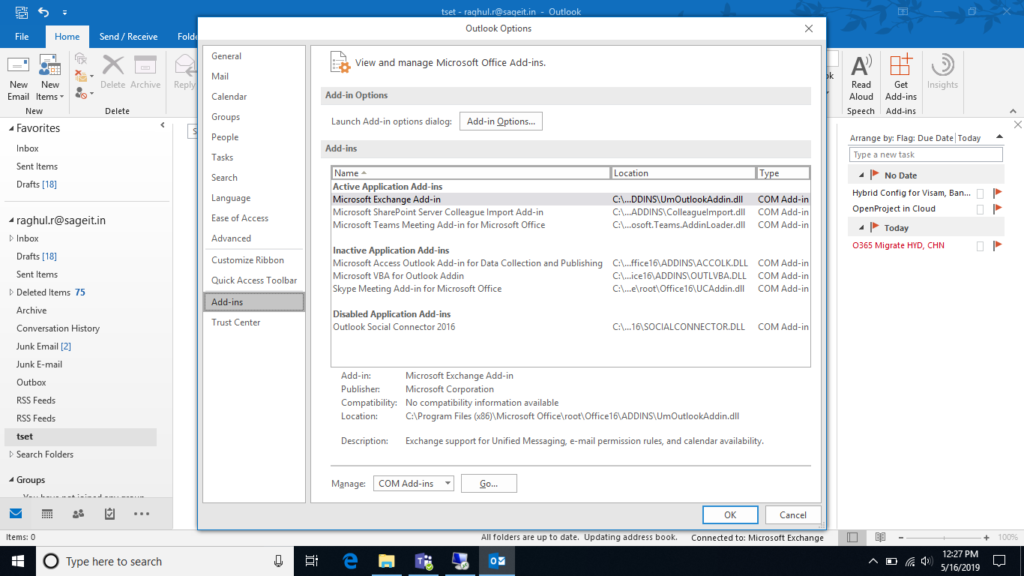
STEP 3: Select Skype Meeting Addons and Click OK
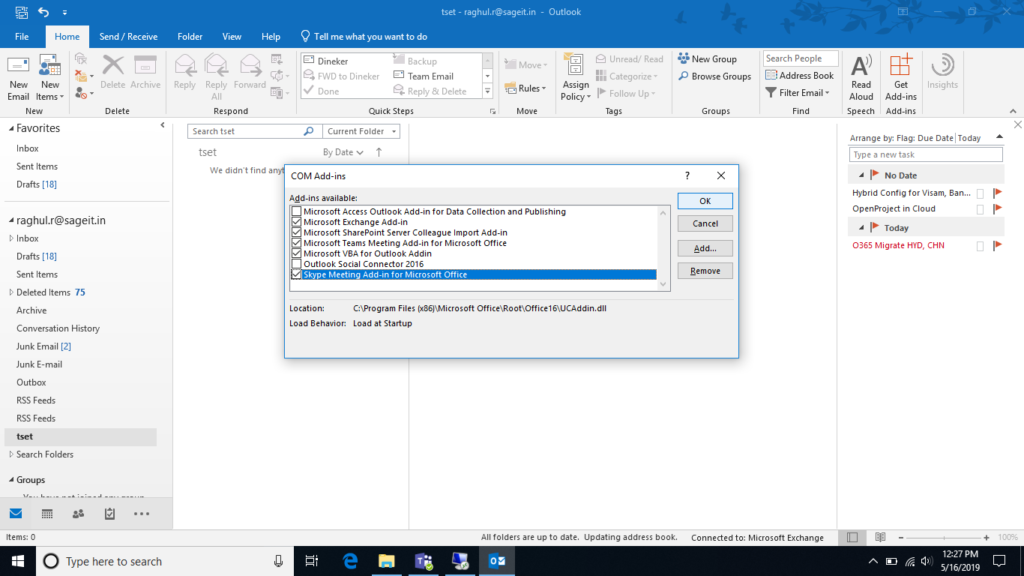
STEP 4: Now goto New Items you will see that Skype Meeting below Team meeting.